
Auto clip: every new YouTube video turned into shorts on its own
Automatic clipping means software watches a long video, picks the moments that stand on their own and cuts them into short vertical clips. OpenShorts does that for any video you paste, and Autopilot does it for every new upload on your YouTube channel without you opening anything.
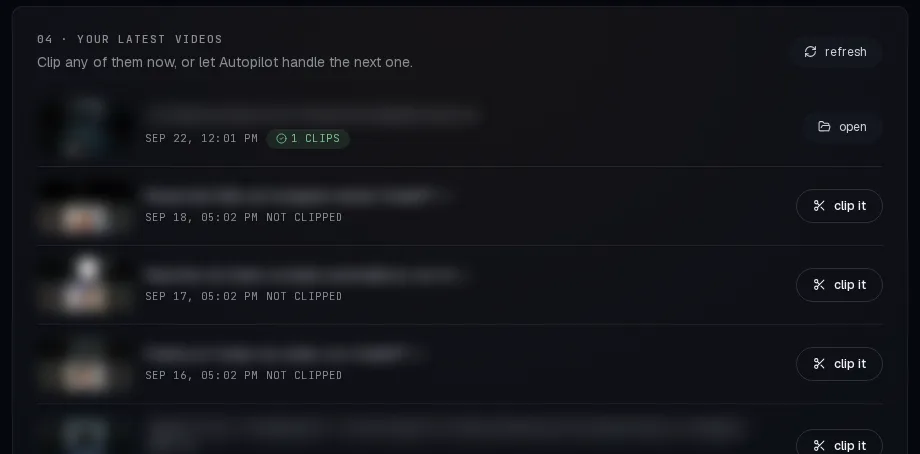
Autopilot checks your channel about once an hour, clips each new video (only videos published after you switch it on, at most one a day, the first 10 to 90 minutes of each), emails you when the clips are ready and, if you turn on autopublish, schedules the best 1 to 5 of them one a day on TikTok, Instagram and YouTube Shorts.
Included in every paid plan from $12/month. On the free plan you can still clip any video by hand.
What "auto clip" does, step by step
- Transcribe. The audio is transcribed with word-level timestamps, so every clip can start and end on a word.
- Find the cuts. Scene detection marks where the picture changes.
- Score the moments. Google Gemini reads the transcript and rates stretches of 15 to 60 seconds on whether they make sense alone and hold attention, then keeps the 3 to 15 best.
- Reframe to 9:16. Face tracking keeps the speaker in the frame; screen recordings and two-person shots get their own layouts.
- Subtitle and title. Captions are burned in from the transcript and each clip gets a hook and a title.
That pipeline is the same whether you paste a link by hand or Autopilot starts it. The details are on how OpenShorts works. Across all accounts, OpenShorts Cloud ran 4,641 clipping jobs on 56,590 minutes of source video between 24 August to 23 September 2026; the median source video was 12 minutes long.
Autopilot: the channel clips itself
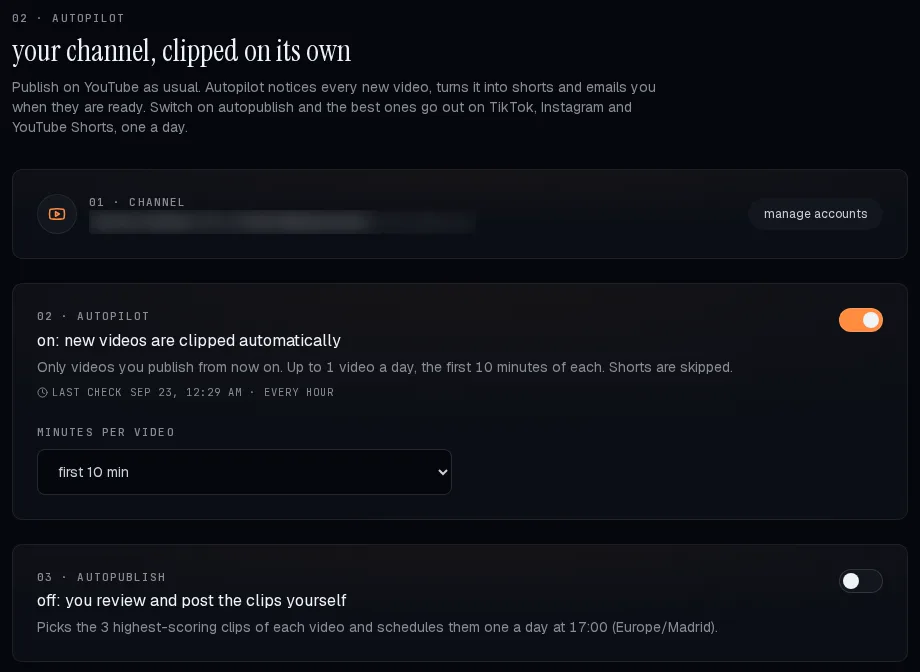
You connect your YouTube channel once. From then on Autopilot reads your channel's uploads through the YouTube account you connected, so it also sees videos you upload straight to YouTube, and it clips them through the normal pipeline. The rules are deliberately conservative, because it spends your plan's minutes while you are not looking:
- Only new videos. Switching it on never clips your back catalogue: only videos published after that moment, and only while they are at most 3 days old.
- One automatic video a day. If you publish three videos in a day, the others wait for you. You can still clip up to 5 more a day by hand from the same tab.
- A cap per video. Autopilot clips the first 10, 20, 30, 45, 60 or 90 minutes of each video (30 by default), so a three-hour stream cannot empty your plan.
- Shorts are skipped. A video that is already a Short is not clipped again.
- You get an email when the clips of each video are ready.
Autopublish: the best clips go out one a day
Off by default. Turn it on and, for each video, Autopilot takes the 1 to 5 clips with the highest predicted score (3 by default) and schedules them one per day at the hour you choose, in your own time zone, on the accounts you pick: TikTok, Instagram and YouTube Shorts. TikTok clips arrive as drafts in your TikTok inbox, so you open the app to post them. Leave autopublish off and you review and post the clips yourself.
What it costs
Autopilot runs on your plan's minutes, so it is part of the paid plans and not the free one. A 30-minute cap per video uses at most 30 minutes of your plan for that video.
| Plan | Price | Source video per month | Autopilot |
|---|---|---|---|
| Free | $0 | 20 minutes, watermarked | No (clip by hand) |
| Starter | $12/month | 100 minutes | Yes |
| Creator | $29/month | 300 minutes | Yes |
| Pro | $59/month | 750 minutes | Yes |
Prices from the OpenShorts billing API, checked 23 September 2026. Yearly plans cost ten times the monthly price.
The free plan still includes the clip generator itself: 20 minutes a month, with a watermark, clipped by hand. Or self-host the open source video clipper and wire the same automation yourself with the n8n workflow.
What it does not do
- It only watches YouTube. Podcasts, Twitch VODs or files on your drive have to be pasted or sent through the API.
- It does not guarantee views. It picks the moments the model scores highest; some weeks those will be the wrong ones, which is why autopublish is off until you turn it on.
- It is new: Autopilot launched on 22 September 2026.
Common questions
- What is auto clipping?
- Software that watches a long video, finds the moments that work on their own and cuts them into short vertical clips with subtitles, instead of you scrubbing the timeline by hand. OpenShorts returns 3 to 15 clips of 15 to 60 seconds per video.
- Can OpenShorts clip my new YouTube videos automatically?
- Yes. Autopilot checks your connected channel about once an hour and clips each new video on its own: only videos published after you switch it on, at most one a day, up to the minute cap you set.
- Does Autopilot post the clips for me?
- Only if you turn on autopublish. Then it schedules the best 1 to 5 clips of each video one a day on TikTok, Instagram and YouTube Shorts. TikTok clips arrive as drafts you post from the app.
- Is automatic clipping free?
- Clipping a video you paste is free for 20 minutes a month on OpenShorts Cloud, or unlimited if you self-host. Autopilot, which runs on its own, is included in the paid plans from $12/month.
- Will it clip my whole back catalogue and burn my minutes?
- No. It only picks up videos published after you switch it on, at most 3 days old, one a day, and only the first 10 to 90 minutes of each.
Sources
- Autopilot rules:
cloud/autopilot.pyin the OpenShorts source, checked 23 September 2026. - Usage figures: OpenShorts Cloud billing ledger, all accounts aggregated, 24 August to 23 September 2026.